WhatsApp Business App vs API: Which Does Your South African Business Need?
WhatsApp Business app or API? Compare features, limits and Meta's October 2026 costs, then switch your number to a WhatsApp Business account step by step.
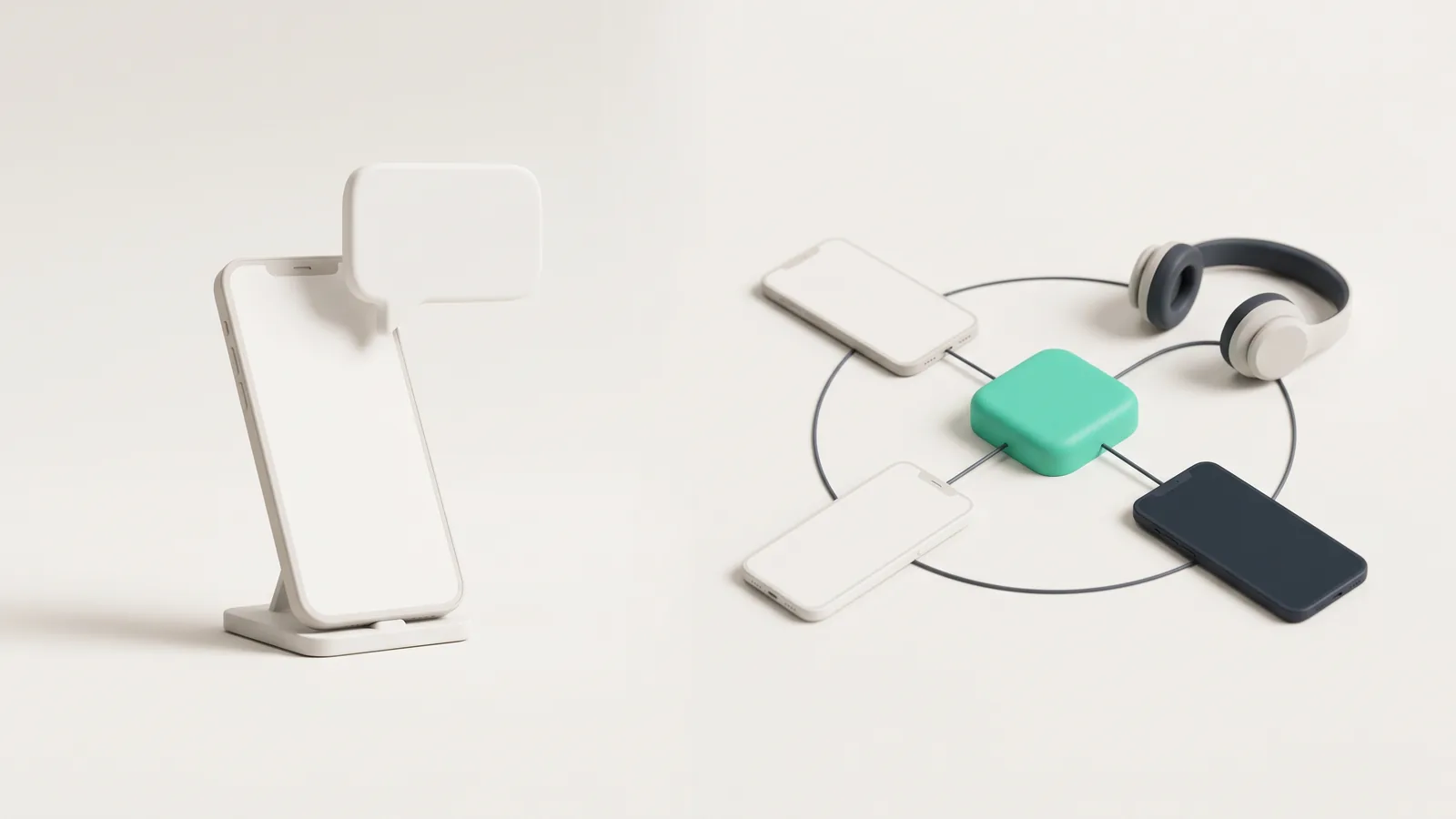
The WhatsApp Business app is a free phone app for small teams that answer customers by hand. The WhatsApp Business API, which Meta calls the WhatsApp Business Platform, is paid infrastructure that connects WhatsApp to software, automation and AI. Most South African SMEs should start on the app and move to the API when people, volume or automation outgrow one phone.
Both give you a WhatsApp Business account: a business name and profile on your own number. The difference is how you operate it: from a phone, or from software. This guide compares the two, shows what each costs in rand, and walks through switching a personal number to a WhatsApp Business account.
In short
- The WhatsApp Business app is free to download and runs on one phone plus up to four linked devices.
- The API has no app of its own. You reach it through software, and Meta charges per delivered message: for South African numbers from 1 October 2026, US$0.0379 per marketing message and US$0.0095 per utility or service message.
- App broadcast lists hold up to 256 contacts and only reach people who saved your number. The API sends approved templates to opted-in customers within Meta's messaging limits.
- You cannot use one number on both WhatsApp Messenger and the WhatsApp Business app at the same time, but you can run the app and the API together through coexistence.
- Switching a personal number to the WhatsApp Business app takes a few minutes and brings your chat history with it.
What does the WhatsApp Business app do?
WhatsApp describes the WhatsApp Business app as a free-to-download app for Android and iPhone, built for small business owners, that works like normal WhatsApp with extra tools. The useful ones:
- Business profile and catalog. Address, hours, website and a product catalog customers can browse in the chat.
- Quick replies. Saved answers you insert by typing "/". WhatsApp allows up to 50.
- Greeting and away messages. A greeting message goes out automatically when someone messages you for the first time, or after 14 days of no contact.
- Lists and labels to sort chats into new leads, paid, follow up and so on.
- Broadcast lists. Up to 256 contacts per list, and only people who have saved your number receive the message.
- Linked devices. WhatsApp says you can use up to four linked devices and one phone. Linked devices log out if the main phone is unused for over 14 days.
Some features cost extra. Multi-agent, which allows up to 10 devices and lets you assign chats to individual staff, needs a Meta Verified for Business or Meta One subscription. WhatsApp also sells marketing messages in the app, paid per delivered message, but says they are available only in limited countries.
What does the API add?
The API is built for volume and integration. Your team works in an inbox or CRM rather than on a phone, and software can reply on your behalf. You get:
- Templates. Pre-approved marketing, utility and authentication messages, the only way to start a conversation outside the 24-hour customer service window.
- Automation and AI. Chatbots and AI agents that answer, qualify and book, using buttons, lists and forms. See our guide to WhatsApp chatbots in South Africa.
- Integrations. Every message arrives as a webhook, so it can land in your CRM, booking system or helpdesk.
- Scale. Meta's messaging limits start at 250 unique people per moving 24 hours for messages outside open chats, and rise to 2,000, 10,000, 100,000 and unlimited as you verify the business and keep quality high.
Our WhatsApp Business API guide for South Africa covers setup and providers in detail.
WhatsApp Business app vs API: side by side
| WhatsApp Business app | WhatsApp Business API | |
|---|---|---|
| Cost | Free to download. Paid extras include Meta Verified or Meta One and, in some countries, marketing messages | Meta's per-message charges plus your software or provider's fees |
| Where you work | A phone, plus up to four linked devices (10 with multi-agent) | Any inbox, CRM or custom software connected to the API |
| Messaging many customers | Broadcast lists of up to 256 contacts who saved your number | Approved templates to opted-in customers, starting at 250 unique people per 24 hours |
| Automation | Greeting messages, away messages, quick replies | Chatbots, AI agents, interactive buttons and lists, forms |
| Best for | Owner-run businesses and small teams | Sales and service teams, high volumes, after-hours replies |
What does each option cost?
The app costs nothing to run unless you buy extras. The API is billed per delivered message. According to Meta's pricing page and its US dollar rate card effective 1 October 2026, messages to South African numbers cost US$0.0379 per marketing message and US$0.0095 per utility, authentication or service message. At R16.53 to the dollar, calculated from the European Central Bank's reference rates for 9 October 2026, that is about R0.63 and R0.16.
Two allowances soften this. Each business phone number gets 1,000 free service messages a month. And when someone messages you from a Click to WhatsApp ad on Android or iOS, your reply opens a free entry point window, which Meta says may stay open for up to seven days.
For example, a Durban plumbing firm that sends 400 job confirmations and 1,800 service replies a month on one number would pay Meta 400 x US$0.0095 plus 800 x US$0.0095, which is US$11.40 or about R188. Provider fees come on top.
When should you move from the app to the API?
The app is enough for many businesses. These are the signs you have outgrown it:
- More than four or five people answer chats and they keep stepping on each other.
- Leads arrive after hours and wait until morning. Speed matters: see Conversio's piece on the 10-minute rule for speed to lead.
- You re-type the same answers dozens of times a day.
- Chats need to reach your CRM or booking system without copy and paste.
- You need reminders and updates to customers who never saved your number.
A good next step is an agent that answers instantly and hands warm leads to your team. Our guide to the best AI sales agent for South African businesses explains what to look for, and AmbitX's Conversio is built for that job on WhatsApp.
Can you keep the app when you move to the API?
Yes, if your provider supports what Meta calls onboarding WhatsApp Business app users, often called coexistence. Meta's coexistence guide says you keep answering one-to-one in the app while software sends at volume through the API, with messages mirrored between the two. The trade-offs: throughput is fixed at 20 messages per second, broadcast lists are disabled, group chats are not synced, and disappearing, view once and live location messages are switched off. You need app version 2.24.17 or later.
Without coexistence, a number registered on the API cannot be used in a WhatsApp app at all.
How to change your WhatsApp to a business account
These steps follow WhatsApp's help centre articles for Android and iPhone. Back up your chats first.
- Update WhatsApp Messenger and download the WhatsApp Business app from the Google Play Store or Apple App Store.
- Open the WhatsApp Business app.
- Read the terms and tap Agree and continue (on iPhone, Agree & continue).
- The app detects the number you use in WhatsApp Messenger. Tap the option with your business number, or tap Use a different number.
- On Android, tap Continue then Allow to bring over your chat history and media.
- Enter the six-digit code WhatsApp sends by SMS. On iPhone you may skip this if iCloud Keychain is on and you verified the number on that phone before.
- On iPhone, choose whether to allow access to your address book.
- Create your business profile and tap Next.
Three cautions from WhatsApp. Contacts saved only inside WhatsApp are not supported in the Business app, so save them to your phone's address book first. One number cannot run both apps at once. And you can move back to WhatsApp Messenger later, but your catalog and other Business-only data will not transfer.
Frequently asked questions
- What is the difference between the WhatsApp Business app and the WhatsApp Business API?
- The WhatsApp Business app is a free app you run on a phone and answer by hand, with up to four linked devices. The API, or WhatsApp Business Platform, connects WhatsApp to software such as a CRM, team inbox or AI agent, and Meta charges per delivered message.
- How do I change my WhatsApp to a WhatsApp Business account?
- Back up your chats, update WhatsApp Messenger and download the WhatsApp Business app. Open it, agree to the terms, select the number it detects, allow it to bring over your chat history, verify the six-digit SMS code and create your business profile.
- Is the WhatsApp Business app free?
- Yes, it is free to download and use. Some extras cost money: multi-agent with up to 10 linked devices needs a Meta Verified for Business or Meta One subscription, and paid marketing messages are available only in limited countries.
- Can I use the same number on WhatsApp and WhatsApp Business?
- Not at the same time. WhatsApp says one number cannot be linked to both WhatsApp Messenger and the WhatsApp Business app, so keep a second number if you want a personal account as well.
- Can I use the WhatsApp Business app and the API on the same number?
- Yes, through Meta's coexistence onboarding, offered by some solution providers. Chats stay in sync between the app and the API, but broadcast lists are disabled, group chats are not synced and throughput is fixed at 20 messages per second.
- When should a business move from the WhatsApp Business app to the API?
- Move when more than four or five people need to answer chats, when you want a chatbot or AI agent to reply after hours, when chats must flow into a CRM, or when you need to send reminders and updates to customers who have not saved your number.
Sources
- WhatsApp Help Center: How to move your WhatsApp Messenger account to the WhatsApp Business app (Android)
- WhatsApp Help Center: How to move your WhatsApp Messenger account to the WhatsApp Business app (iPhone)
- WhatsApp Help Center: About moving between WhatsApp Messenger and the WhatsApp Business app
- WhatsApp Help Center: How to move your account information from the WhatsApp Business app to WhatsApp Messenger
- WhatsApp Help Center: About WhatsApp Business
- WhatsApp Help Center: About linked devices on the WhatsApp Business app
- WhatsApp Help Center: About multi-agent
- WhatsApp Help Center: How to use broadcast lists
- WhatsApp Help Center: How to use quick replies
- WhatsApp Help Center: How to use greeting messages
- WhatsApp Help Center: About marketing messages
- Meta for Developers: Onboard WhatsApp Business app users (coexistence)
- Meta for Developers: Pricing on the WhatsApp Business Platform (updated 30 September 2026)
- Meta for Developers: Messaging limits
- European Central Bank: Euro foreign exchange reference rates (9 October 2026)
Want an AI agent doing this work for your business?
AmbitX designs, builds and runs AI agents for South African businesses. Tell us the job and we will tell you honestly whether an agent can do it.